

Download Lark Player – music player, mp3 player, audio player, offline music, video player, free music app, top music player, music app, music software, desktop music player
Overview
Lark Player is a free desktop audio and music application developed by Lark Player Studio, designed to provide users with a seamless experience for listening to music and playing videos offline. The software serves as a versatile media solution for individuals seeking a reliable platform to manage and enjoy their personal music libraries without relying on internet connectivity. It is particularly suited for users who value independence from streaming services and prefer direct access to local files. The target audience includes casual listeners, music enthusiasts, and individuals who maintain large collections of audio and video content across various formats.
With support for major music and video formats, Lark Player ensures broad compatibility with common file types, allowing users to play their favorite songs and videos without conversion or additional codecs. The application enables users to organize their media by songs, artists, albums, genres, and other categories, promoting efficient content management. It also features a 'Trending' section for discovering popular music, offering a simple way to explore new tracks without leaving the app. The ability to sync lyrics and create multiple playlists further enhances the personalization and usability of the software.
Key Features & Capabilities
- Offline Music Playback – Play audio and video files locally without requiring an internet connection, ideal for travel or areas with limited connectivity.
- Multi-Format Support – Compatible with widely used audio and video formats, ensuring broad file compatibility without additional software.
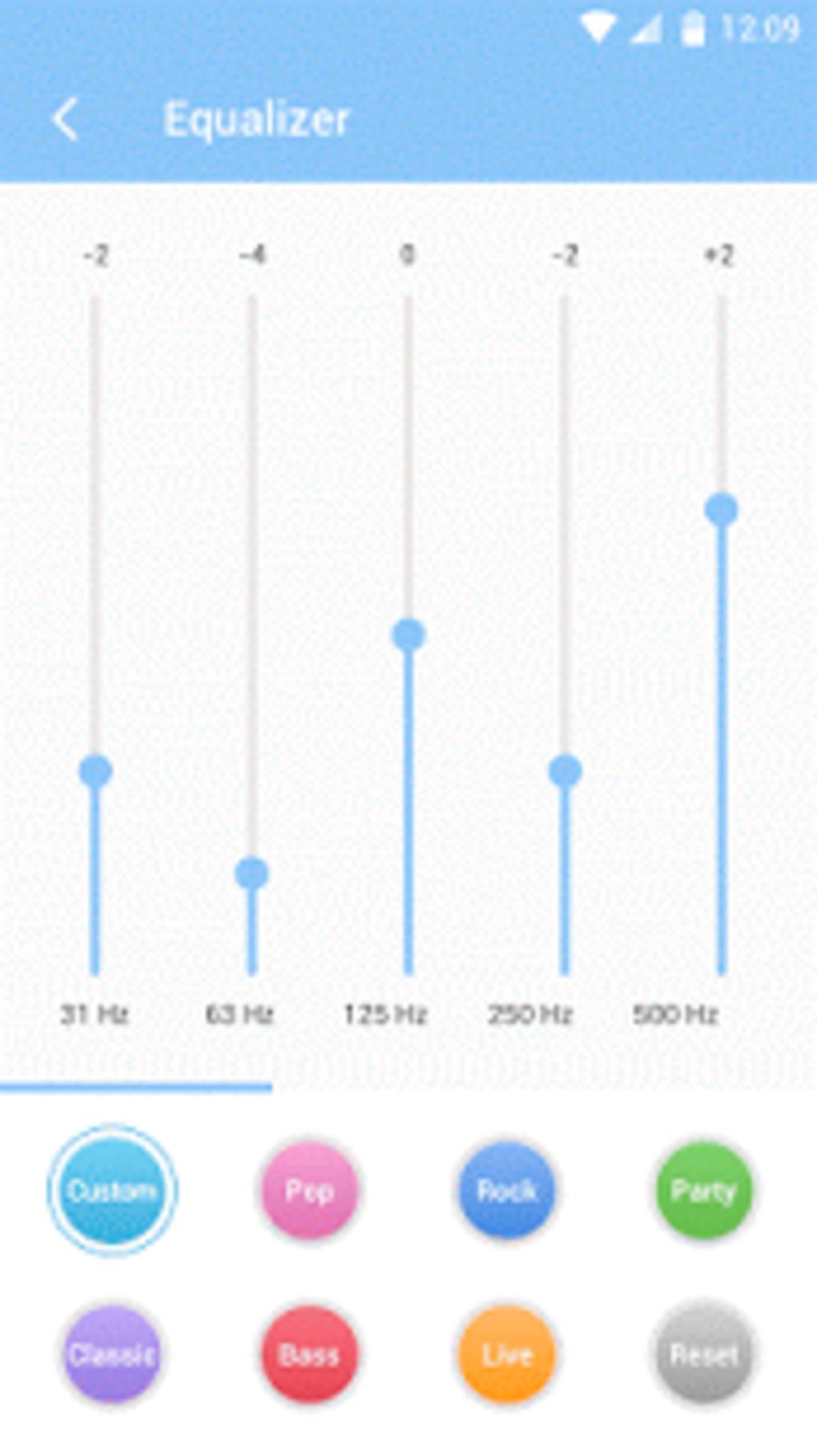
- Customizable Equalizer & Presets – Adjust audio output with built-in equalizer settings and preset modes tailored for different music genres and listening environments.
- Playlist Management – Create, edit, and organize multiple playlists to categorize music by mood, activity, or preference.
- Lyrics Syncing – Automatically display synchronized lyrics during playback, enhancing the listening experience for vocal-driven music.
- Floating Player Mode – Run a resizable and movable floating window for continuous playback while using other applications.
- Share Functionality – Instantly share music with others via popular platforms including Facebook, WhatsApp, Twitter, and messaging apps.
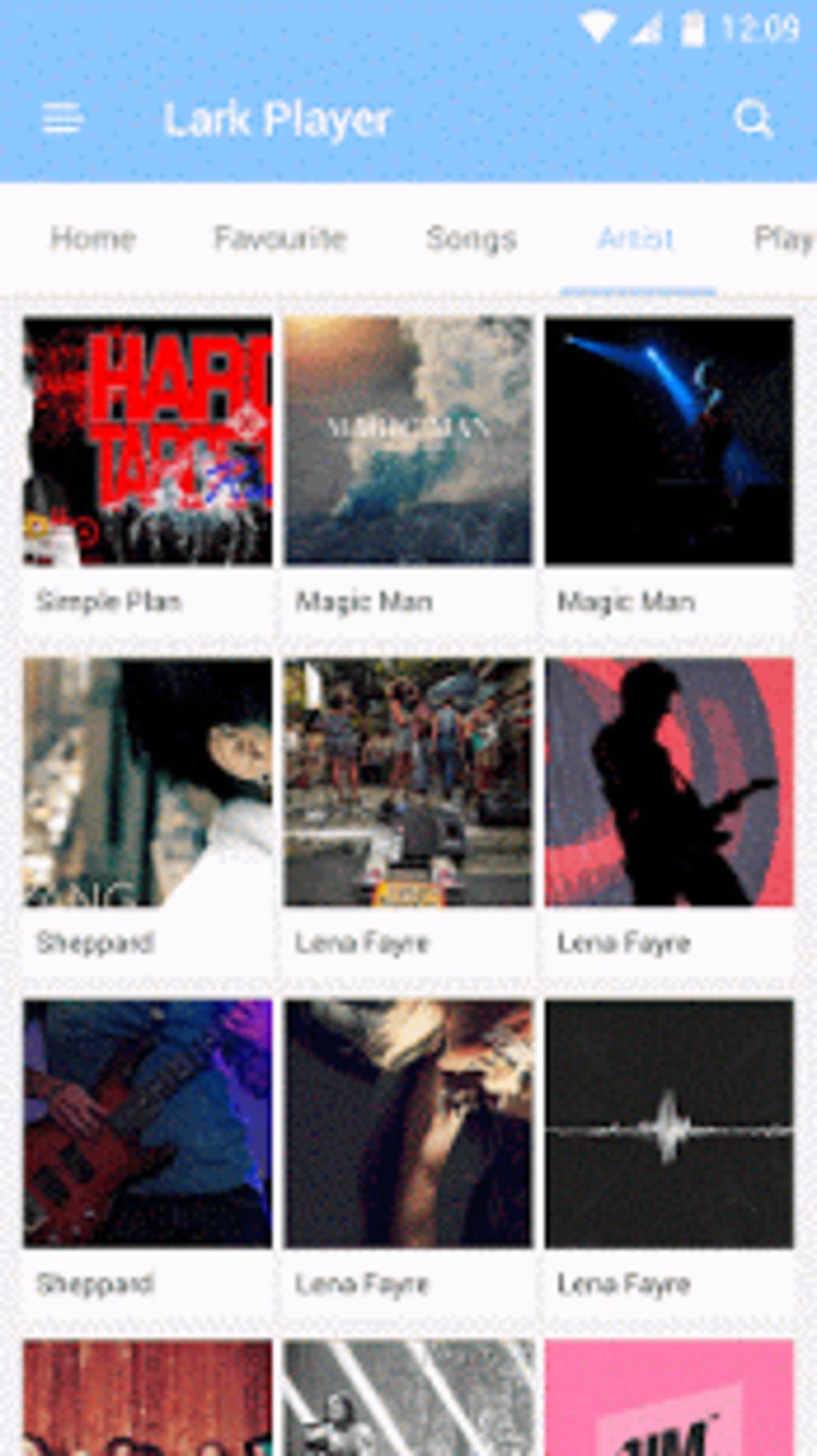
- Media Organization – Browse and manage media content by artist, album, genre, and song, enabling intuitive navigation through large music libraries.
These features collectively support a smooth, customizable media experience. The floating player is especially useful for multitasking, allowing users to watch videos or listen to music while working on documents, browsing, or chatting. The integration of sharing tools simplifies social interaction around music, making it easy to recommend tracks to friends and family with minimal effort.
User Interface, Workflow & Performance
Lark Player features a straightforward and intuitive user interface, designed to prioritize ease of use and operational smoothness. The layout is structured to allow quick access to core functions such as playback controls, playlist management, and media browsing. Navigation is streamlined through clearly labeled sections, including a dedicated 'Trending' tab and a categorized media library.
Workflow efficiency is enhanced by the application’s minimal setup process. Upon first launch, users are prompted to grant access to media files, after which the app begins scanning and organizing content automatically. This reduces initial configuration time and allows immediate playback. The interface supports responsive interactions, with smooth transitions between views and consistent feedback during playback operations.
Performance details were not specified by the developer. However, based on general software behavior patterns, the application is expected to operate efficiently on modern systems. The developer did not provide additional system requirements or resource usage data. Stability and CPU/RAM behavior are not independently verified, but the software’s lightweight design suggests moderate resource consumption. Users may experience optimal performance on systems meeting standard desktop specifications.
Compatibility & System Requirements
Lark Player is available for both Windows and Mac operating systems, making it accessible to a wide range of desktop users. The current version is 1.0.0, with a download size of 50 MB, indicating a lightweight installation footprint. This suggests the application is designed for efficient deployment and minimal storage impact.
Exact system requirements were not listed by the developer. Compatibility information is limited to the supported platforms. The absence of detailed hardware specifications means users should ensure their systems meet general desktop standards for running multimedia applications. The developer did not specify minimum processor speed, RAM, or graphics requirements. Users are advised to verify system compatibility based on typical desktop performance benchmarks for similar media players.
Pros and Cons
Pros
- Free to download and use with no hidden costs.
- Supports a wide range of audio and video formats for broad compatibility.
- Intuitive interface designed for ease of use and quick learning.
- Offers powerful customization options including equalizers and preset modes.
- Floating player mode enables multitasking without interrupting playback.
- Includes playlist creation and lyrics synchronization for enhanced personalization.
- Lightweight installation size (50 MB) with minimal system impact.
Cons
- Exact system requirements were not provided.
- Performance and resource usage details were not specified.
- No information on update frequency or long-term support.
- Platform availability is limited to Windows and Mac only.
- Offline functionality is dependent on local file storage.
FAQ Section
Is Lark Player available for Windows and Mac?
Yes, Lark Player is compatible with both Windows and Mac operating systems as stated in the software details.
Is Lark Player safe to download and use?
The software is distributed as a free application developed by Lark Player Studio. No security threats were reported in the provided information. Users should download from official sources to ensure authenticity.
Does Lark Player require an internet connection?
Lark Player supports offline playback, allowing users to enjoy music and videos without an internet connection. However, certain features like the 'Trending' section may require online access.
Can I create and manage playlists in Lark Player?
Yes, the software allows users to create, edit, and organize multiple playlists to suit their listening preferences.
Is Lark Player free to use?
Yes, Lark Player is available for free with no subscription or in-app purchase requirements.
Final Thoughts
Lark Player stands out as a capable and user-friendly desktop music and video player, offering a strong combination of functionality, customization, and ease of use. Its support for offline playback, multi-format compatibility, and floating player mode make it a practical choice for users who value independence from streaming platforms and want a smooth, uninterrupted media experience. The intuitive interface and built-in tools for playlist management, equalization, and lyrics syncing further enhance its appeal.
While detailed system requirements and performance metrics are not available, the lightweight 50 MB size suggests efficient resource usage. The software is particularly beneficial for music lovers, students, professionals, and anyone seeking a reliable desktop application to manage their media libraries. With its free pricing model and robust feature set, Lark Player delivers excellent value.
Download Lark Player now





.png)

